Introducing the Ollee Watch EL + Software Update: Summer / Q3 2026
It's the end of the quarter, and this one is special. Back in August I teased that we'd been cooking up something big, and it's finally time to share it. The Ollee Watch lineup is officially growing, and the new member is the Ollee Watch EL: the full Ollee Watch platform, now for the A168 and F-105W!
Since the beginning of this project, an A168 version has been one of the top requests, and it was always on the radar. Bringing it to life meant keeping the software experience consistent across both models, fitting the electronics into a whole new module, and taking on the challenge of driving the electroluminescent backlight (more on that below). All in, it's been close to a year in the making, and I couldn't be more excited to finally get it into your hands.
A huge thank you to the beta testers who put it through its paces and kept the secret. To everyone who's been asking about the A168 all this time - I hope it’s worth the wait. Enjoy!
Meet the Ollee Watch EL
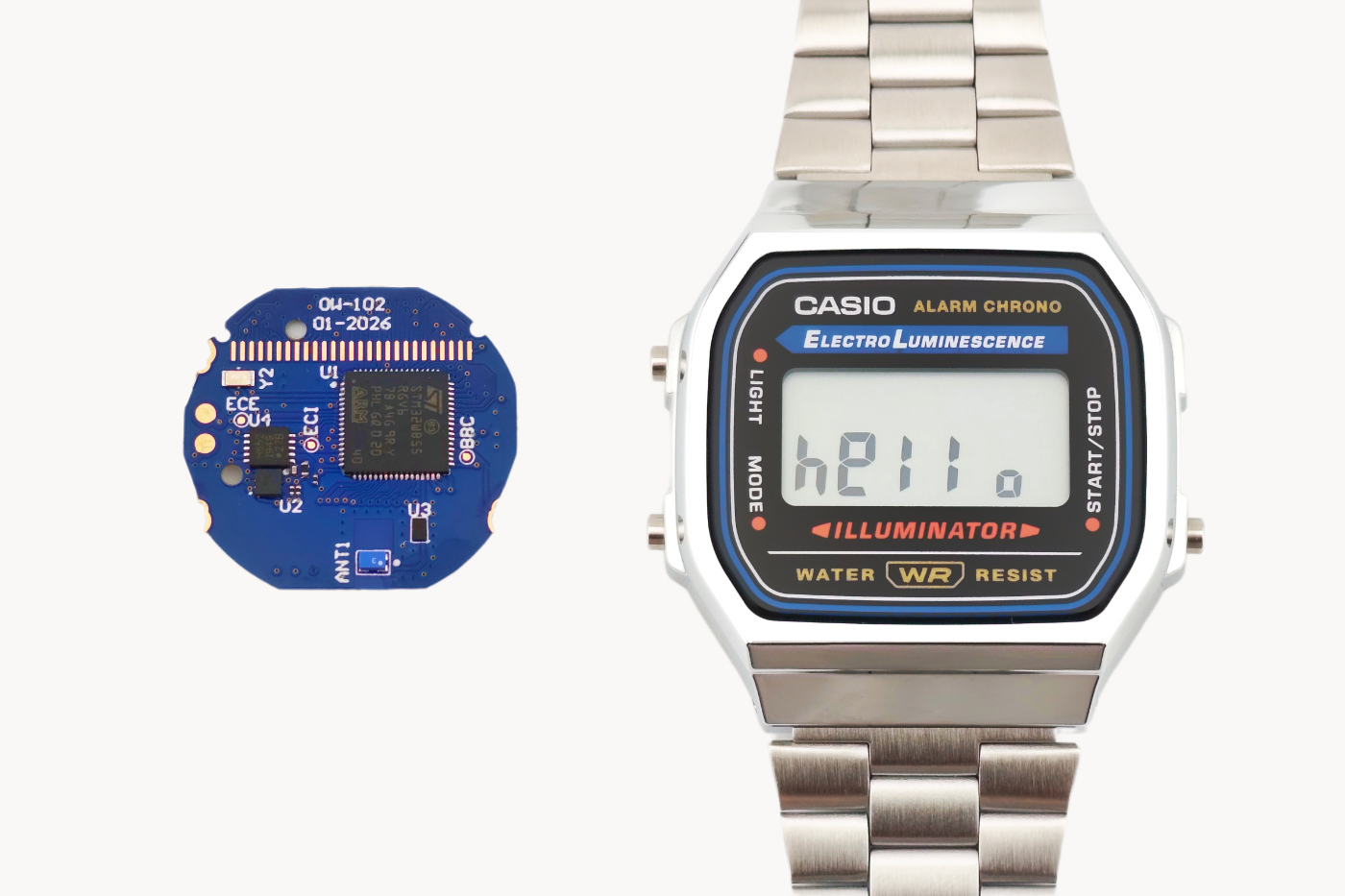
The Ollee Watch EL packs the full Ollee Watch platform into any watch built on the Casio Module 3298. That includes all A168 models, the F-105W and some less common models.
One important note: A168 watches made before 2012 use a different module and are not compatible with the Ollee Watch EL, so check yours before ordering.
The installation guide and walkthrough video are both on the Get Started page. Personally, I find the EL a little easier to install than the Ollee Watch One. The mechanical stack-up inside the 3298 module is more forgiving than the Module 593 used by the F91W/A158, and it just allows for a smoother installation overall.
If you're picking up an EL, make sure you're running the latest Ollee Watch app (version 1.0.7), which hits the app stores this week.
The EL backlight and some limitations
Both Ollee Watch models run the exact same platform, so every watch face and feature you know from the One is there on the EL. The big difference is the backlight. The EL keeps an electroluminescent panel instead of the One's RGB LED, which means a couple of color-based features don't carry over:
Not available on the EL: backlight color selection and backlight disco mode
Backlight brightness: four brightness levels to help stretch battery life
Battery life: benchmarks are identical between the two models
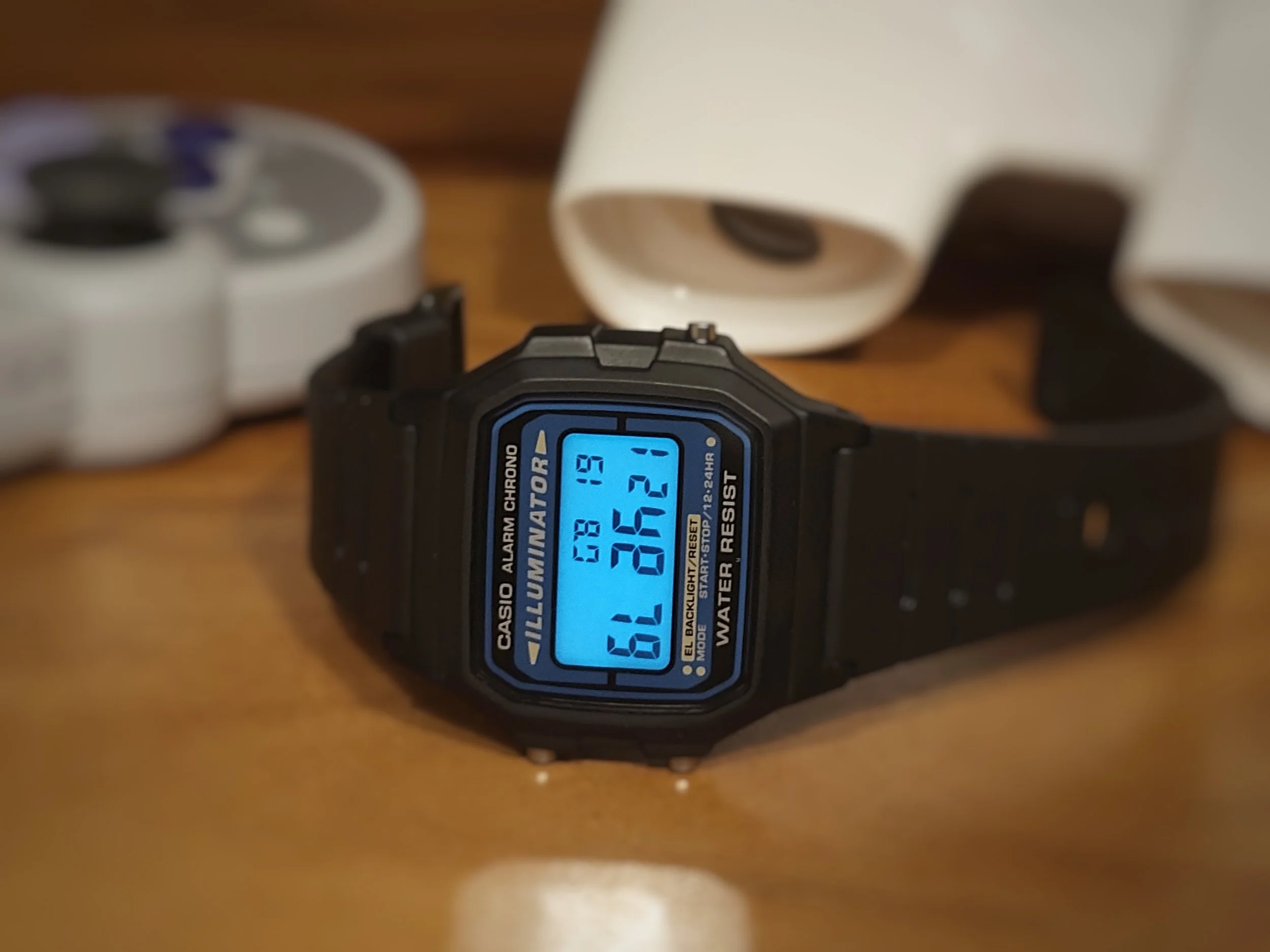
Developing this product was a real deep dive into how electroluminescent technology works. We looked at a few different approaches, but it quickly became clear that EL is a pretty niche technology. To light up the panel, the Ollee Watch EL generates an analog waveform of over 100 volts, from a coin cell battery. That's a lot of voltage in a very small space, and the panel itself creates a lot of electrical noise in the system. The EL isn't fully immune to that noise, so there are two things to be aware of.
1. EL and Bluetooth don't mix. When the backlight is on, it interferes with the Bluetooth connection to your phone. To protect the connection, the backlight is disabled whenever the app is actively connected to the watch (for example, during a sync or while you're changing settings). This behavior is called EL Bluetooth Safe Mode, and you can turn it off in Settings > Device Settings.
With Safe Mode off, you can use the backlight at any time, but the watch will disconnect from your phone while it's lit.
Once the light turns off, the watch automatically re-enables Bluetooth for one minute, so you can reconnect right away without having to turn Bluetooth back on manually.
2. EL and audio don't mix either. The panel generates enough noise to interfere with the audio chimes, so sound is muted while the backlight is on. Don't worry about missing anything important, though: if an alarm or timer goes off while the backlight is on, it takes priority and the panel switches off so you hear it.
Everything above is also covered in the User Manual in the app under Settings > User Manual > Backlight.
That's it! A couple of corner cases, but after months of beta testing, they didn't get in the way of day-to-day use for any of our testers.
Download the Update
Download the updated Ollee Watch app from the App Store (iOS) or Play Store (Android). Version 1.0.7 is the new release. The update will be live the week of October 5. Some regions may get it before others, so please allow a few days for it to roll out globally.
Firmware Upgrade
This update requires a firmware upgrade to the Ollee Watch. Please see the video below before you do the upgrade.
A small number of iPhone users on iOS 26 may still run into issues during the firmware update. It's rare, but it can be a nuisance. If it happens to you, check the relevant section of the Troubleshooting Guide.
What's New in 1.0.7
Beyond support for the Ollee Watch EL, this release brings a handful of new additions and fixes:
Sun, Moon & Tide
Moon illumination percentage has been added
Set Clock
You can now set the year, handy for anyone not using clock auto-sync
Name Tag / Screen Saver
The name tag now updates live when it’s modified
This means community-built apps that push data to the watch can refresh it instantly, without waiting for the screen saver to cycle off and on
App Time Format
New 12H/24H setting for the app, which also applies to the activity data graphs
Find it in Settings > Time > App time format
Device Settings
Settings are now grouped into categories to make the growing list of options easier to navigate
Power optimizations for audio chimes, plus minor UI tweaks and bug fixes
Wrapping up
It's a real milestone to have a second Ollee Watch model out in the world. The A168 has some awesome colorways and negative display options - so please share your builds and send in your feedback on Reddit or Discord. Moving forward, there are some exciting software features that will be available soon, so we’ll be in the lab getting those ready for prime time.
As always, thanks for supporting the project!
— Gregor (Ollee Watch founder)
